Software & Tools
Free Adobe Alternatives in 2026: 3 Open-Source Apps to Try
Searching for Adobe free alternatives? Try Photo Craft, Film Craft and Effect Craft-three open source creative apps inspired by Photoshop, Premiere Pro and After Effects. Learn about their features, drawbacks, licenses and what to consider before trying them.
By Ediskool
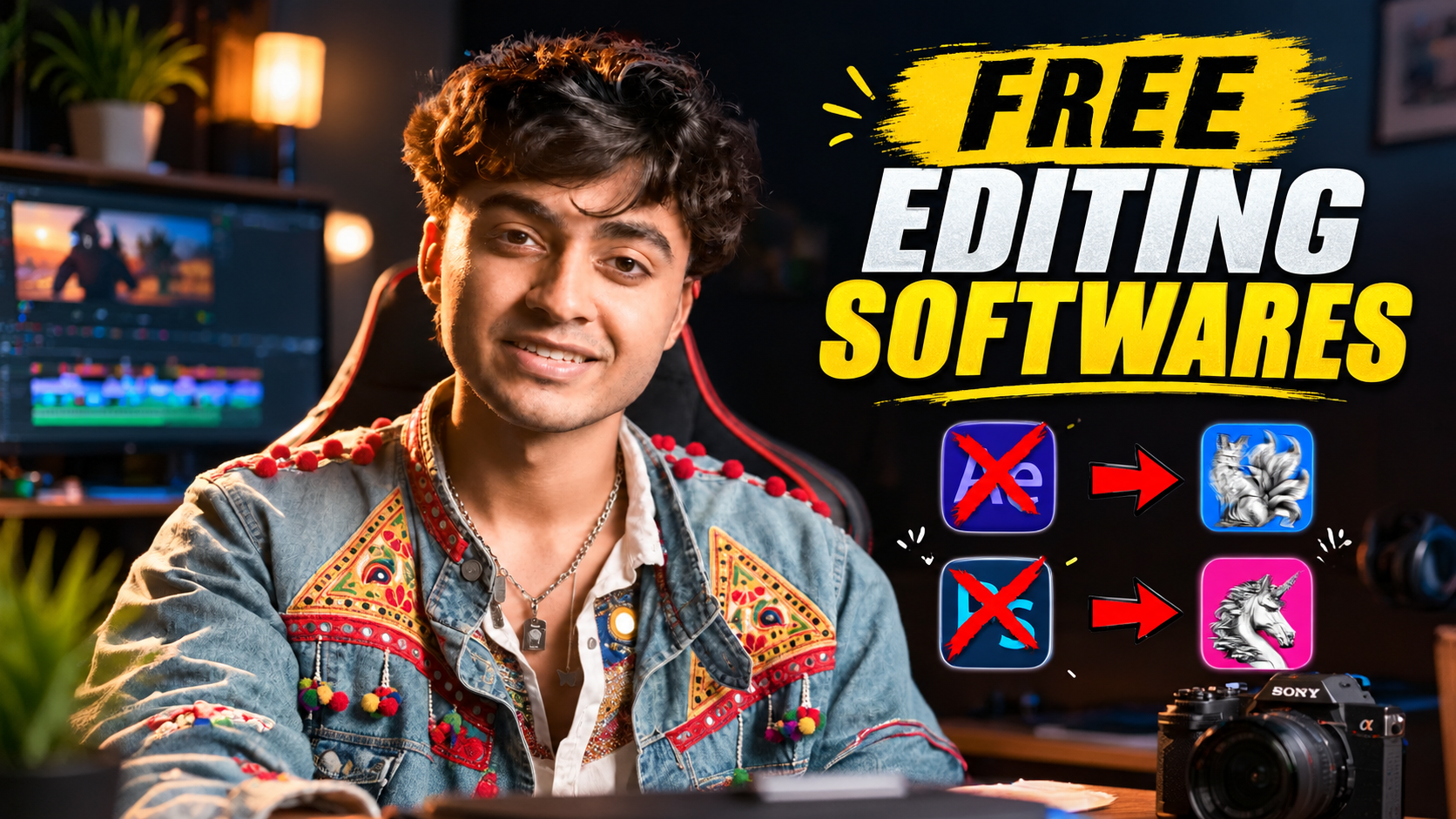
PhotoCraft, FilmCraft and EffectCraft: free Adobe-style apps, and how ready they are
ArtCraft publishes free, open-source apps modelled on Photoshop, Premiere Pro and After Effects: PhotoCraft, FilmCraft and EffectCraft. All three are alpha software, and each project's own documentation says it still falls short of replacing the Adobe app for professional work. Treat them as tools to test, not tools to switch to.
Adobe makes some of the best creative software around, but keeping several apps on a subscription adds up, especially while you are still practising. A free app you can open, break and learn from is appealing. These three are worth a look for that reason, as long as you know what state they are in.
This guide uses each project's official website and GitHub repository, checked on 13 October 2026. It is not based on hands-on production testing, and the projects change fast, so read the latest release notes before you download.
What is ArtCraft, and why are creators talking about it?
ArtCraft is a team behind two different things. One is an AI studio for generating images and video. It runs on cloud models, needs an account, and sells credits for generations. The other is a family of "Crafting Apps": desktop software written from scratch in Rust that works on your own files without cloud round trips. Several of them copy the layout, tools and shortcuts of Adobe programs on purpose, so the menus feel familiar.
Keep the two apart. The studio and the Crafting Apps are priced differently, and only the studio needs a connection to generate anything.
Where does the AI go? Mostly in how the apps are created and manipulated. Film Craft's docs say it is designed to be driven by AI agents and "largely created by them." All the apps have a command line and an MCP server for agents to work through. There is some generative AI in the apps, but it is light: Photo Craft leaves it as a gap, and Film Craft has only a handful of AI features.
Art Craft has a dozen or more Crafting Apps: Vector Craft, Light Craft, PDF Craft and Design Craft for vector art, photo libraries, PDFs and page layout. This guide will cover the 3 which most closely relate to what video editors and motion designers use.
Are PhotoCraft, FilmCraft and EffectCraft ready to replace Adobe?
No, and the maintainers say so. All three are alpha. Here is what each project reports about itself.
| Tool | Adobe workflow it follows | What it does | Platforms | Licence | Status, in the maintainers' words | Official links |
| PhotoCraft | Photoshop | Layers, masks, adjustment layers, layer styles, type, vector shapes and brushes. Opens and saves layered PSD and PSB files. | macOS, Windows, Linux, FreeBSD, web build | MIT or Apache-2.0, your choice | Early alpha. The README says it is not yet ready to stand in for Photoshop on daily professional work. | Site |
| EffectCraft | After Effects | Compositions, keyframes with a graph editor, JavaScript expressions, 3D cameras and lights, a render queue, Lottie import and export. | macOS, Windows, Linux, web build | MIT or Apache-2.0, your choice | Alpha. The maintainers estimate it is about 45% of the way to replacing After Effects for professional work. | Site |
| FilmCraft | Premiere Pro | Source and program monitors, three-point editing, trim modes, a multi-track timeline, colour grading with scopes, an audio mixer, captions, timeline exchange. | macOS, Windows, Linux, self-hosted web build | MIT or Apache-2.0, your choice | Alpha. The maintainers estimate it is about 56% ready for real projects. | Site |
Details checked 13 October 2026. The percentages are the maintainers' own estimates, not independent measurements. Minimum hardware requirements: not verified, because none of the official pages lists them.
What are the real limits of each app?
src="https://ediskool-assets-782989862721.s3.ap-south-1.amazonaws.com/uploads/blog-content/1791896214503-978251913.png" loading="lazy" decoding="async"
src="https://ediskool-assets-782989862721.s3.ap-south-1.amazonaws.com/uploads/blog-content/1791896477650-486107415.png" loading="lazy" decoding="async"
Looking to take your visual effects further? Explore our guide to After Effects plugins for smooth transitions to learn about more ways to improve your edits. src="https://ediskool-assets-782989862721.s3.ap-south-1.amazonaws.com/uploads/blog-content/1791896498349-871443088.png" loading="lazy" decoding="async"
If you're exploring more ways to edit videos without spending too much on software, check out our guide to free AI video editing tools. It can help you discover other tools to try in your editing workflow.
Can you use them for client or monetised work?
Consult the licenses, not the "open source" name. All three components – Photo Craft, Film Craft and Effect Craft – are dual-licensed under either MIT or Apache-2.0 (your choice), so they are both well-known permissive licenses. That's the software. That's all that is there.
- The ArtCraft name and logos are trademarks outside the licence.
- Bundled fonts, icons and other assets keep their own licences, listed in each repository's attribution file.
- The software licence says nothing about the footage, music, fonts and plug-ins inside your own project.
- The AI studio is a separate service with its own account, credits and third-party model terms, which this guide did not review.
If a client contract depends on any of this, read the LICENSE files yourself or ask a lawyer.
Will they run on a low-end PC?
No one knows yet, as the projects don't publish minimum specs. It is recorded: Photo Craft and Film Craft take the GPU via Metal, Vulkan, DirectX 12 or WebGPU, and keepers of Film Craft name performance on big footage as their biggest deficiency. An ancient, unprotected graphics card budget PC is worth trying before you become dependent upon it.
How do you test one before using it on a real project?
Test on copies, with a small job, while Adobe stays installed.
- Download from the official page or the GitHub release, and check the file against the SHA256SUMS.txt that comes with each release.
- Duplicate a finished project and its media. Never point alpha software at your only copy.
- Run one small test per app:
- PhotoCraft: open a layered PSD from a finished job, check text, masks and layer styles, save a copy, then open that copy in Photoshop.
- FilmCraft: export a short Premiere sequence as FCP7 XML, import it, check cuts, speed changes, audio levels and titles, then export H.264 and compare it with your original.
- EffectCraft: rebuild one simple animated title, since .aep files will not open, render it and compare it with the After Effects version.
- Note crashes, playback on your longest clip, missing formats and colour shifts. Compare exports side by side on the same screen, because colour shifts are easy to miss. FilmCraft documents auto-save and crash recovery, so force-quit it mid-edit once and see what comes back.
- Keep Adobe for client delivery until a test job survives import, edit and export.
The projects ask for bug reports with real files, so a failed test is still useful to them.
Who should try them now?
Students and hobbyists with a copy-only project are the obvious target, especially for Film Craft and Effect Craft, since their layout is that of many tools already familiar to editors. Freelancers under pressure must heed the release notes and test on the side. Not one of these applications, according to their own authors, has yet to establish itself in a client pipeline-and that's a dignified status for software that, for Effect Craft, didn't even exist until October 2026.
Frequently asked questions
Are PhotoCraft, FilmCraft and EffectCraft really free?
Yes, the apps are free to download and open source. The separate ArtCraft AI studio can be used without a subscription, but generating with its cloud models is sold through paid credit plans.
Can they open Photoshop, Premiere Pro or After Effects files?
Open layered PSD and PSB files with Photo Craft. Film Craft is not able to open. PRPROJ files yet, and Effect Craft is not able to open AEP or AEPX files. Film Craft can share timelines using FCP7 XML, FCPXML, OpenTimelineIO and AAF.
Can I use them for client work?
The software is dual-licensed under MIT or Apache-2.0, but all three are alpha, and Effect Craft's maintainers say it is not yet a substitute for After Effects for client work. First test on copies, and see the licence section above.
Which operating systems do they support?
All run on macOS, Windows and Linux. Photo Craft and Effect Craft also include web builds. Film Craft releases include a self-hosted web build. Windows installers are available for 64-bit, 32-bit, and ARM64.
Are these apps actually built with AI?
Film Craft documentation states that it is mostly created by AI agents. The repositories for Photo Craft and Effect Craft contain agent instruction files, which we did not see for them. The magic is going to be AI – Photo Craft states this as a gap, and Film Craft states only a few existing AI features so far. Some on-device tools are using trained models, such as Effect Craft's Roto Brush.
Choosing the right editing software is only one part of creating better videos. Sound also plays a big role in how your final edit feels. Read our guide on how to elevate your videos with the perfect sound design for more practical tips.
Conclusion
There are free alternatives to all of Adobe's creative software, and Film Craft, Effect Craft, and Photo Craft give you a taste of what an open-source creative suite could look like.
But they are not yet simple equivalents to Photoshop, Premiere Pro, or After Effects. Each has its own challenges, including project-file compatibility, workflow stability, and the demands of professional production.
If you're a student, novice, or inquisitive maker, begin with a small project and verify that you only use the options you truly want. Preserve your authentic recordsdata backed up, all the time examine the newest launch notes, and do not use alpha software program for essential client work until it will get the job achieved.
The best creative tool isn't just the one that's cheaper. It's the one that you can count on to deliver time after time.
Your Next Creative Skill Starts Here
One tutorial can give you an idea. Consistent learning turns that idea into a skill.
Stay connected with EDISKOOL for practical knowledge, creative resources, AI tools, editing workflows, and fresh inspiration for your next project.
Get quick tips, creative inspiration, AI discoveries, and editing ideas.
Follow practical conversations around AI, editing, content creation, and the creator economy.
Telegram
Access useful editing resources, templates, plugins, PDFs, workflow guides, and EDISKOOL updates.
EDISKOOL Courses
Go beyond tutorials with practical learning in video editing, motion graphics, AI creativity, and content creation.
Disclaimer: This article is based on the official websites and GitHub documentation of PhotoCraft, FilmCraft, and EffectCraft, reviewed on October 13, 2026. The article does not represent hands-on testing of every feature. All three applications are still in alpha, and their capabilities, compatibility, and availability may change. Check the latest documentation before downloading or using them for professional projects. Software licensing information is provided for general guidance, not as legal advice.
Last Updated: October 13, 2026
Reviewed and maintained by the EDISKOOL editorial team to help ensure practical accuracy across open-source creative software, image editing, video editing, motion graphics, software compatibility, and creator workflows.