Video Production & Filmmaking
How to Shoot Cinematic Video With Your Phone
You don't need a real camera to shoot something cinematic, just a phone, a tripod, and a few habits most beginners skip: locking exposure, shooting from the dark side, and treating sound as seriously as picture.
By Ediskool
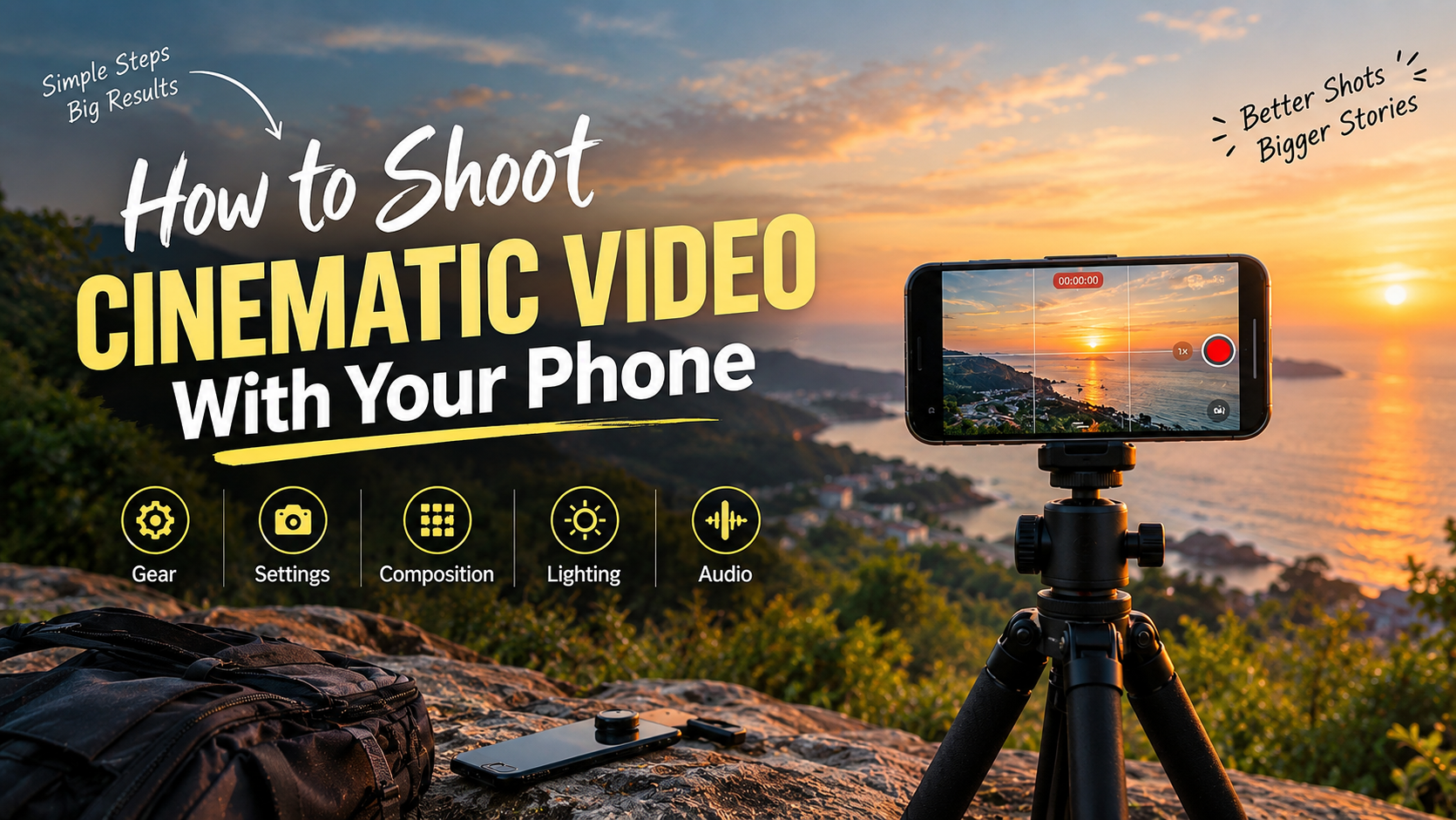
How to Shoot Cinematic Video With Your Phone
Table of Content
- What Gear Do You Need for Cinematic Phone Videos?
- Best Camera Settings for Cinematic Footage
- What Is FPS? Choosing the Right Frame Rate
- How to Use the Grid for Better Composition
- Why Shooting From the Dark Side Looks More Cinematic
- How to Record Better Audio With Your Phone
- How to Shoot Solo With a Tripod
- How to Improve Your Video Shooting Skills
- FAQ: Cinematic Phone Video
- Conclusion
How to Shoot Cinematic Video With Just Your Phone
You don't need an expensive camera, a crew, or a lighting kit to shoot cinematic video. A phone and a tripod are enough. What actually makes footage look cinematic comes down to five things: the right resolution and frame rate, correct exposure, deliberate composition, lighting from the dark side, and clean audio.
What gear do you actually need to shoot cinematic video with a phone?
None, really. Most people can get by with just their phone and maybe a cheap tripod. This helps them shoot video that looks planned, not accidental. The tripod is actually more important than you might think. It eliminates the shot-of-a-lifetime factor of most phone videos, and it prevents needing a second person to prop up their phone while they take the shot.
The bigger issue is the discomfort of setting up a tripod in public and being judged by passersby. In reality, most of them are too busy focusing on their own business to really watch you intently. This discomfort only lasts until the first couple of shots.
What camera settings should you use for cinematic video?
So turn on 4 K if your phone supports this resolution (it is disabled by default in most devices) and fix two problems that commonly appear in phone videos that no one bothers to fix: exposure and white balance. Once you've captured your footage, learn how to improve its look with our simple mobile color grading guide. If you have an area of your video that is completely blown out to white but another area that is underexposed, this is caused by exposure drift. Your phone adjusts exposure while recording. This makes parts of the same video look much brighter or darker. Fix this by setting the exposure lock (on most phones, you do this by tapping and holding on the screen). This will lock the exposure for the duration of the recording. White balance is the adjustment your phone makes so that white objects appear white and black objects appear black. Adjust this manually if your phone is doing a poor job of automatically measuring the white balance.
For more advanced controls, you can download an application called Blackmagic Camera, which is free on both the App Store and Google Play.
- This gives you all the controls above in one screen.
- It includes shutter speed, exposure, white balance, and frame rate.
- You do not need to dig through menus.
- It may seem like a premium app.
But it is one of the few good free apps out there. One thing to note is that aperture is a hardware setting on your iPhone and will not appear in any application other than Apple's built-in camera application.
What is FPS, and which frame rate should you use?
FPS stands for frames per second. After recording your footage, you can give it a more polished look with our simple mobile color grading guide. A video is simply a rapid series of still images, and if each of these is photographed at a faster rate per second, movement appears less shaky. At 24 FPS, the movement feels more intentional and weighty, which is why almost every single film you have seen has been shot at 24fps. At 60 FPS, movement appears significantly more fluid, reflecting how the eyes take in real time.
| Frame rate | Feel | Best for |
| 24 FPS | Cinematic, weighted | Short films, ads, narrative work |
| 30 FPS | Standard, less filmic | General footage, everyday clips |
| 60 FPS | Smooth, hyperreal | Reels, action, slow motion |
There isn't much of a middle ground here: 24 FPS reads as a film, 60 FPS reads as a phone video, and 30 FPS mostly lands in between without fully committing to either. Pick 24 for anything narrative, and save 60 for Reels or anything meant to feel fast.
How do you compose cinematic shots using the grid?
Turning on a grid before shooting any more-I mean it; that's the one habit that gets you from an occasional fluke to a deliberate one. For solo talent on camera, place him in the center of the grid lines. When you have two on camera together, have them face outwards on the outer lines (one on each) to avoid giving off the feeling that they're packed into the shot. If you cut to either individual on camera, favor the direction they're facing and the grid lines to tie you into the conversation.
Why should you always shoot from the dark side?
Set your subject up so the darker side is pointing toward the camera, with the light to either side slightly. Take it to the movies; you rarely see subject light so flat-on-straight. That flat light (camera and light in the same place) reads amateur on home footage regardless of frame rate or resolution. If the naturally occurring light isn't playing nice, put another cheap light in front of your subject instead of directly at your one light at the camera lens.
How do you record clean audio with just a phone?
Sound is more important than either resolution or color. Viewers will be put off by a clear 4K video with terrible sound, far quicker than by blurry 720p video with clear dialogue. The external mic is the logical first upgrade if you can afford to.
If you can't, there's still a usable microphone in most phone cameras, although using the phone in portrait mode and recording from the bottom edge of it (where the mic usually sits) is a good idea.
Record from the native camera program itself-don't try using a third-party app. Two rules that should always be followed beyond that: firstly, record at least 5 seconds' worth of the "background noise" to layer underneath dialogue, as totally clear silence never sounds real; secondly, if an event requires sound, such as ripping paper or footsteps, try and source that yourself on site. It is slower but will actually sound like it was a part of the action.
How do you shoot solo with just a tripod?
Stabilize the phone, set record, and stop worrying about pans and tracking while you're shooting. Much of "cinematic" looking footage isn't moving AT ALL; it's a beautifully composed static shot. Whatever you're shooting, try to capture three different levels: a long shot that sets the scene, a medium shot of your characters/subjects, and a close-up. Instead of making pans/tracks with your hand while you're on camera, do your moves in the editing bay: "A slight zoom in reads as realization,""A zoom out shows loneliness,""A tracking shot can give movement while it follows you as you walk. " No gimbals necessary, and you only need one camera operator; it's just a stable video you then adjust and manoeuvre.
How do you actually get better at this?
All of the above is essentially a list, and what is better for your film is doing it more, not doing more reading about it. It is not something that, once read about, you automatically know: this involves putting the camera in front of you or the tripod out on location time and time again until you are no longer worried about it, or indeed yourself. If outdoors is not possible, go indoors; if there is nothing to film in your immediate surroundings that is important, film something, anything, and repeat.
FAQ
What frame rate should I use for cinematic video on my phone?
Use 24fps for anything designed to feel cinematic. 30fps works for almost anything; 60fps should be reserved for Reels, action, or slow-mo.
Do I need a good camera to shoot cinematic video?
No. Most phones in the past few years shoot 4K. Tripods fix shaky video. Not steady enough to fix handheld on any camera.
Why do filmmakers shoot from the dark side?
Putting the darker side of the subject towards the camera gives a natural shadow effect and adds to the depth of it all. Lighting a subject flat and in your face are ways to make the footage look amateur, no matter how high resolution your video is.
What's a good free app for manual phone camera controls?
Free on Blackmagic Camera, available on the App Store and Google Play. Camera gives you control of shutter speed, exposure, white balance, and frame rate in a single interface. iPhones cannot change the aperture of the camera via an app since that's an issue with hardware.
How do solo filmmakers get camera movement without a second person?
By filming static footage on a tripod, you can add pans, zooms, or push-ins later in editing.
This works better than moving the camera by hand while you are also in the shot.
Conclusion
None of that requires money. It requires a tripod, 4k video on your phone, and enough repetition that placing your phone setup on a street corner does not feel weird anymore. Get the right exposure and the right grid. Make sure you establish the dark-side habit. And please, do not ignore sound. Everything else in phone cinematography is iteration.
Stay Connected with EDISKOOL
Want to keep learning beyond this guide? Follow EDISKOOL for practical video editing tutorials, AI tools, creator resources, editing workflows, and useful tips to help you elevate your creative skills.
Follow us for AI tool discoveries, video editing tips, content creation ideas, editing inspiration, and behind-the-scenes content.
Follow Shobhit Gour for practical insights on AI, video editing, content creation, and the evolving creator economy.
Join the EDISKOOL community to get access to free editing resources, AI tools, plugins, templates, PDFs, workflow guides, and course updates.
Ready to take your skills further? Explore EDISKOOL's practical courses covering video editing, AI-powered creative workflows, motion graphics, and content creation.
Disclaimer
Technology, and specifically smartphone cameras, the hardware in phones, and mobile filmmaking options constantly evolve. The techniques, applications, and settings described reflect how the devices operate at the time of writing, and can change as your device, applications like Blackmagic Camera, or mobile videography specifications evolve.
Last Updated: September 2026
Reviewed regularly as phone camera features, filmmaking apps, and mobile video capabilities evolve.